Spreadsheet Agent Blog
Insights, tutorials, and product updates straight from the Spreadsheet Agent team.

Claude for Google Sheets: How to Connect Them
How to use Claude with Google Sheets across Chat, Cowork, and Code — what each can read or write, when to use which, and how to get PDFs and images into rows without any setup.
Read more →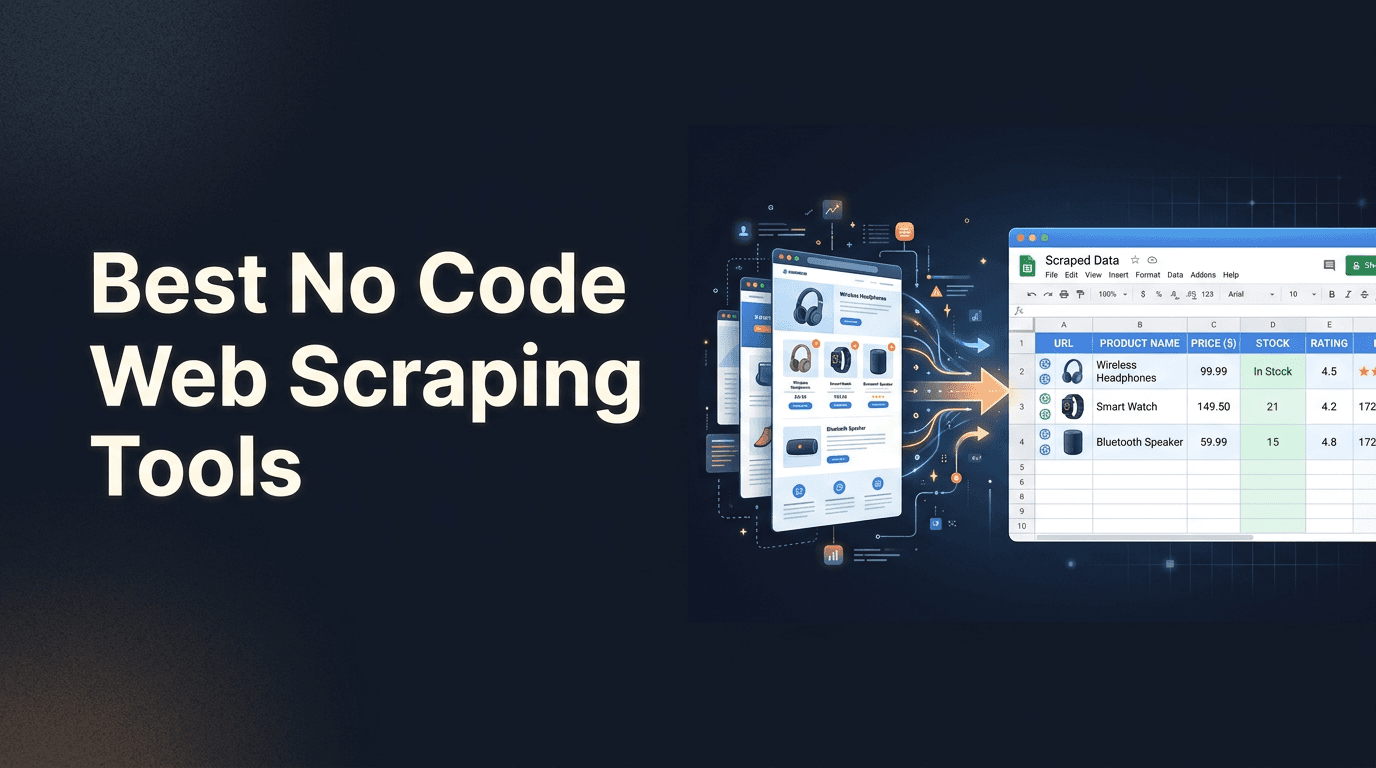
Best No Code Web Scraping Tools for Google Sheets and AI Workflows
Compare no code web scraping tools like Firecrawl, Apify, Exa.ai, Jina AI Reader, and Claude—then see how Spreadsheet Agent combines scraping and schema-first extraction directly into Google Sheets.
Read more →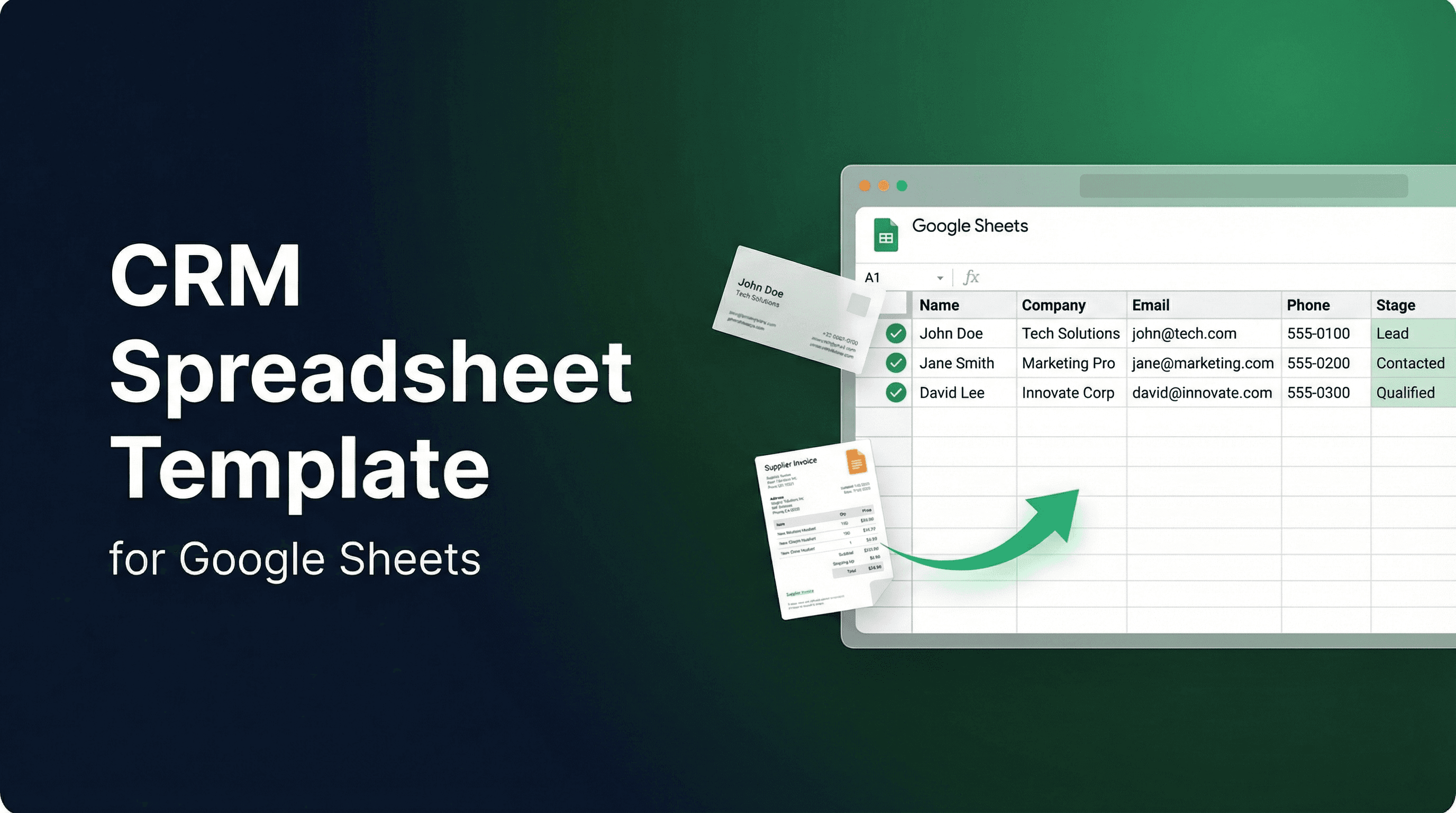
Google Sheets CRM Template — Auto-Fill Contacts from Documents
Google Sheets CRM template that fills itself. Upload business cards, invoices, and documents — AI extracts contact data into your CRM spreadsheet automatically.
Read more →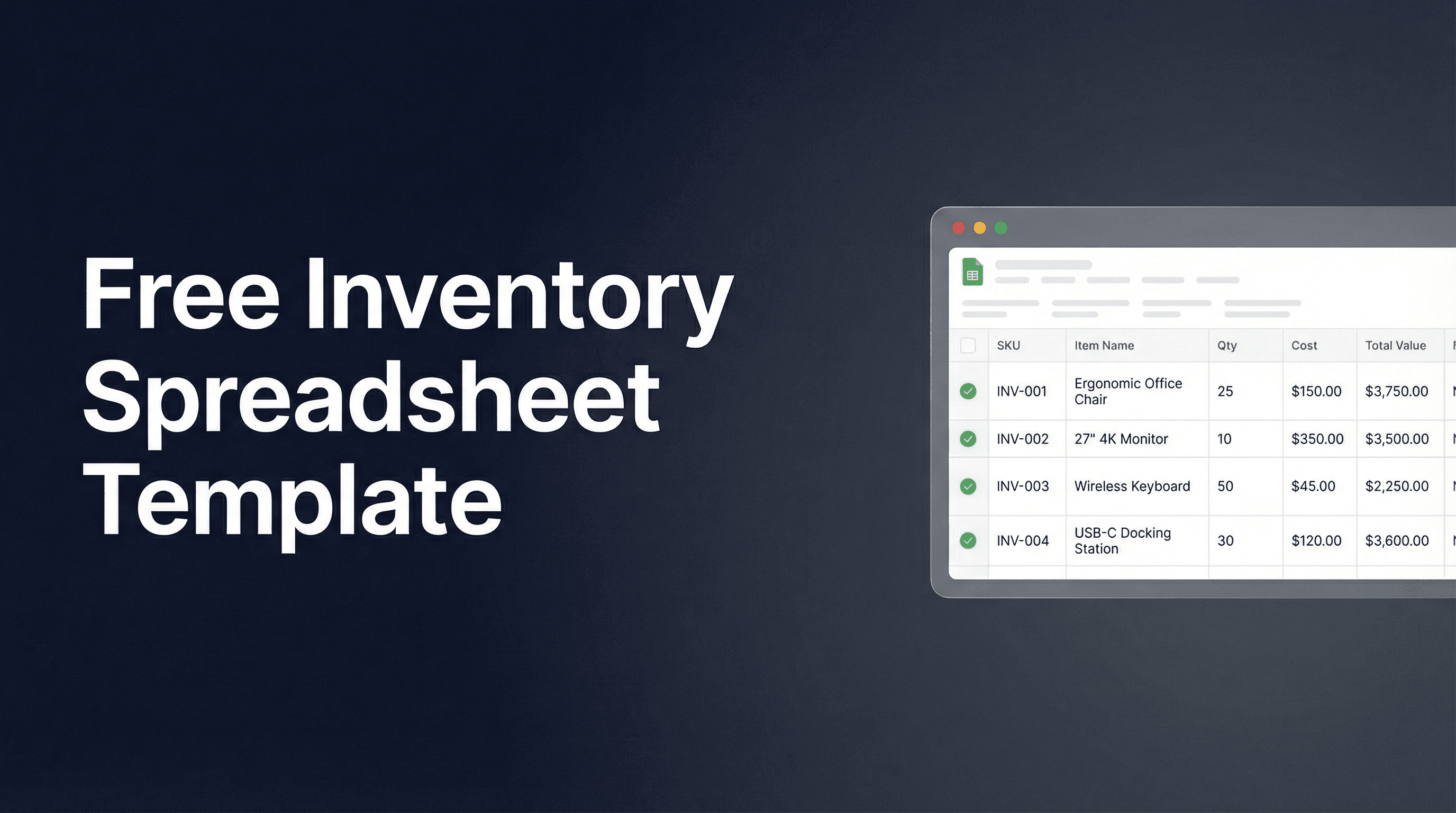
Inventory Spreadsheet Template for Google Sheets — Skip the Data Entry
Inventory spreadsheet template for Google Sheets. Describe your columns, upload invoices and packing slips, and the data entry handles itself.
Read more →
Picture to Excel: Convert Any Image to a Spreadsheet
Convert a picture to Excel or Google Sheets automatically. Upload a photo or screenshot, AI extracts the data, and it pushes directly to your spreadsheet—no manual typing.
Read more →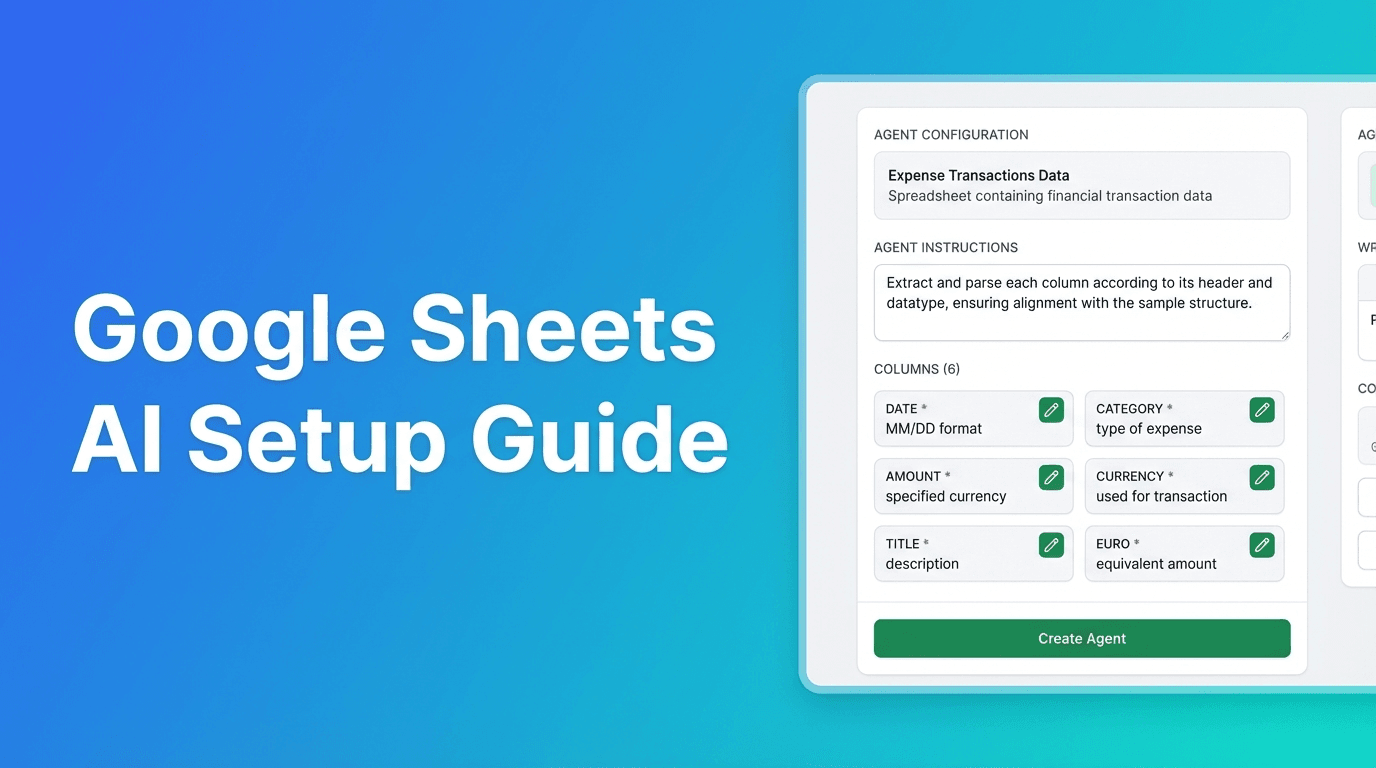
Google Sheets AI: Complete Agent Setup Guide
Learn how to set up AI agents for Google Sheets. Master column configuration, formatting rules, and extraction instructions to automate any spreadsheet workflow.
Read more →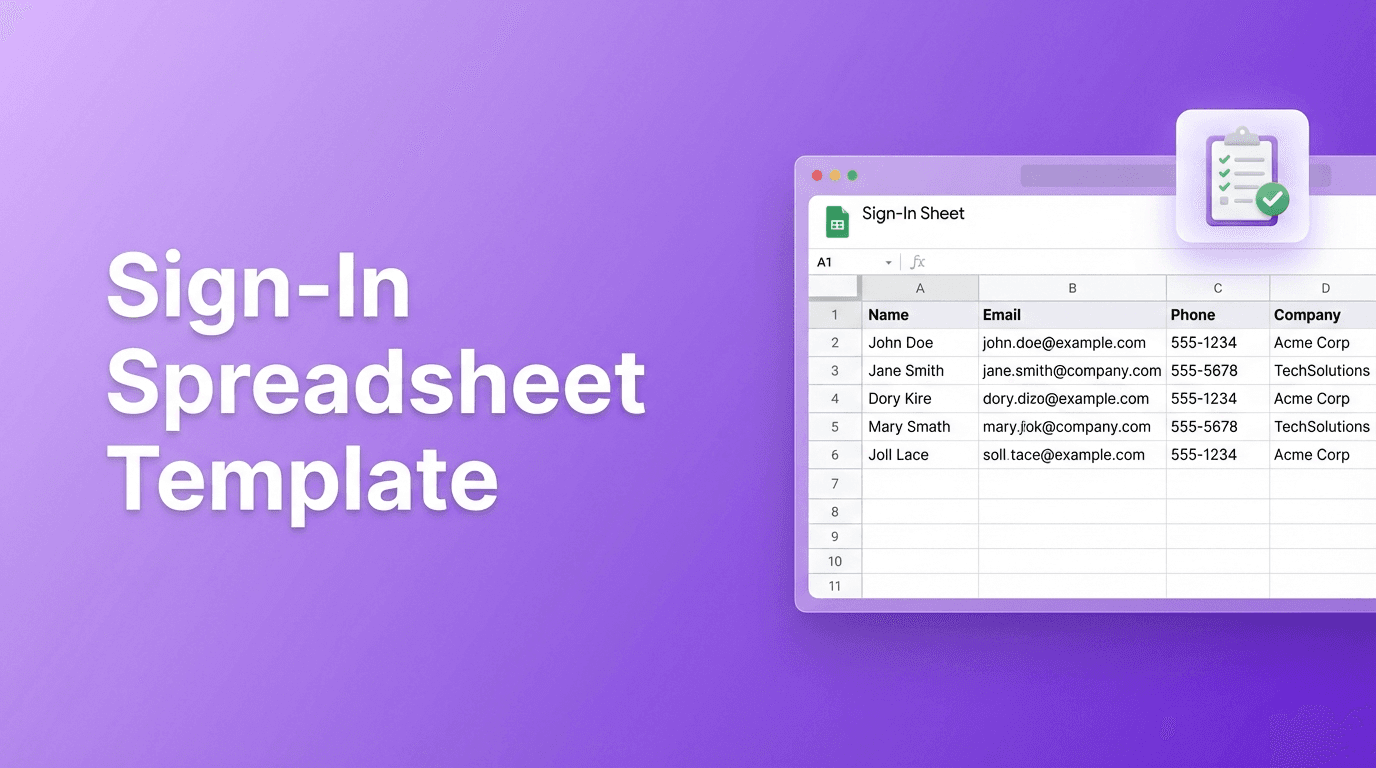
Sign-In Spreadsheet Template for Google Sheets (Create Any Format Quickly)
Create a sign-in spreadsheet template for Google Sheets quickly. Describe your format—event attendance, potluck sign-up, meeting roster—and get a ready-to-use template.
Read more →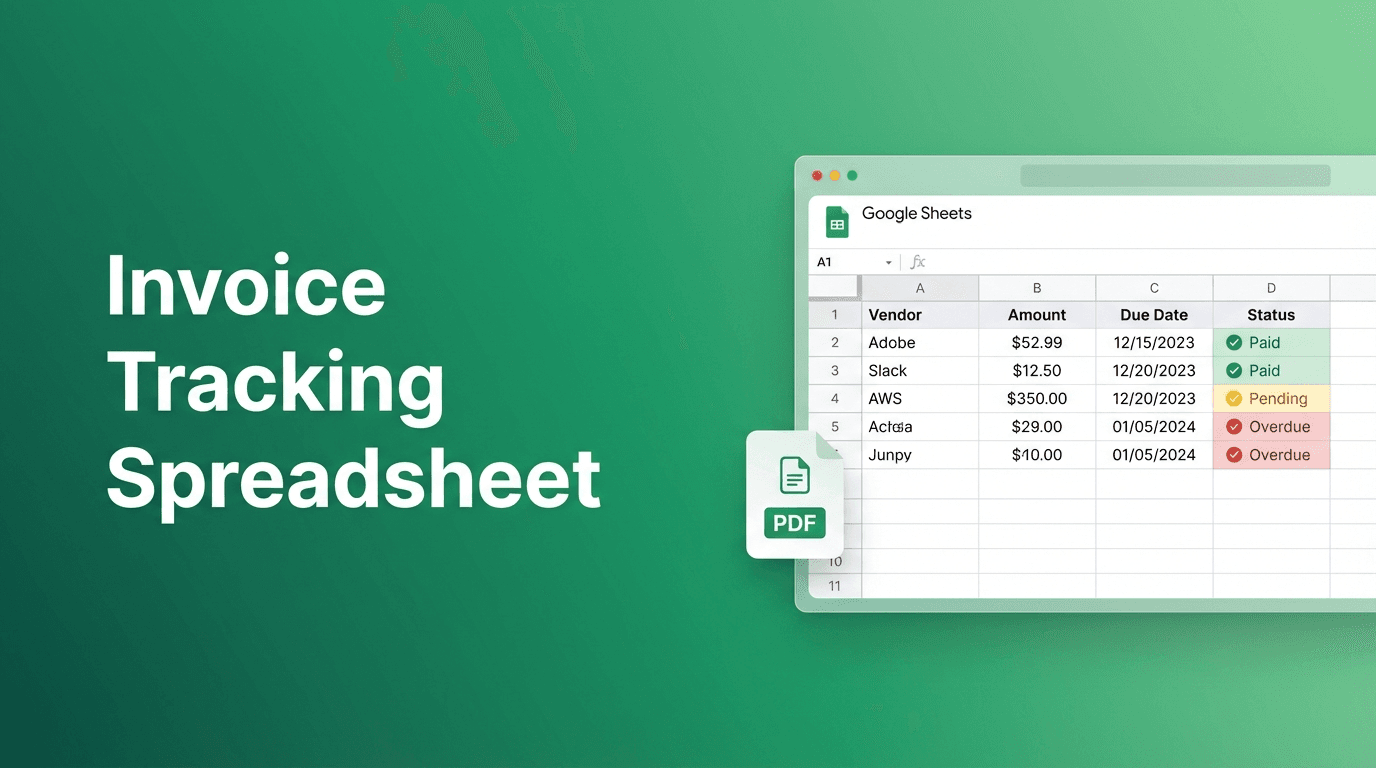
Invoice Tracking Spreadsheet in Google Sheets (Auto-Fill from PDFs)
Build an invoice tracking spreadsheet in Google Sheets that auto-fills vendor, amount, and due date from invoice PDFs. Stop manual data entry.
Read more →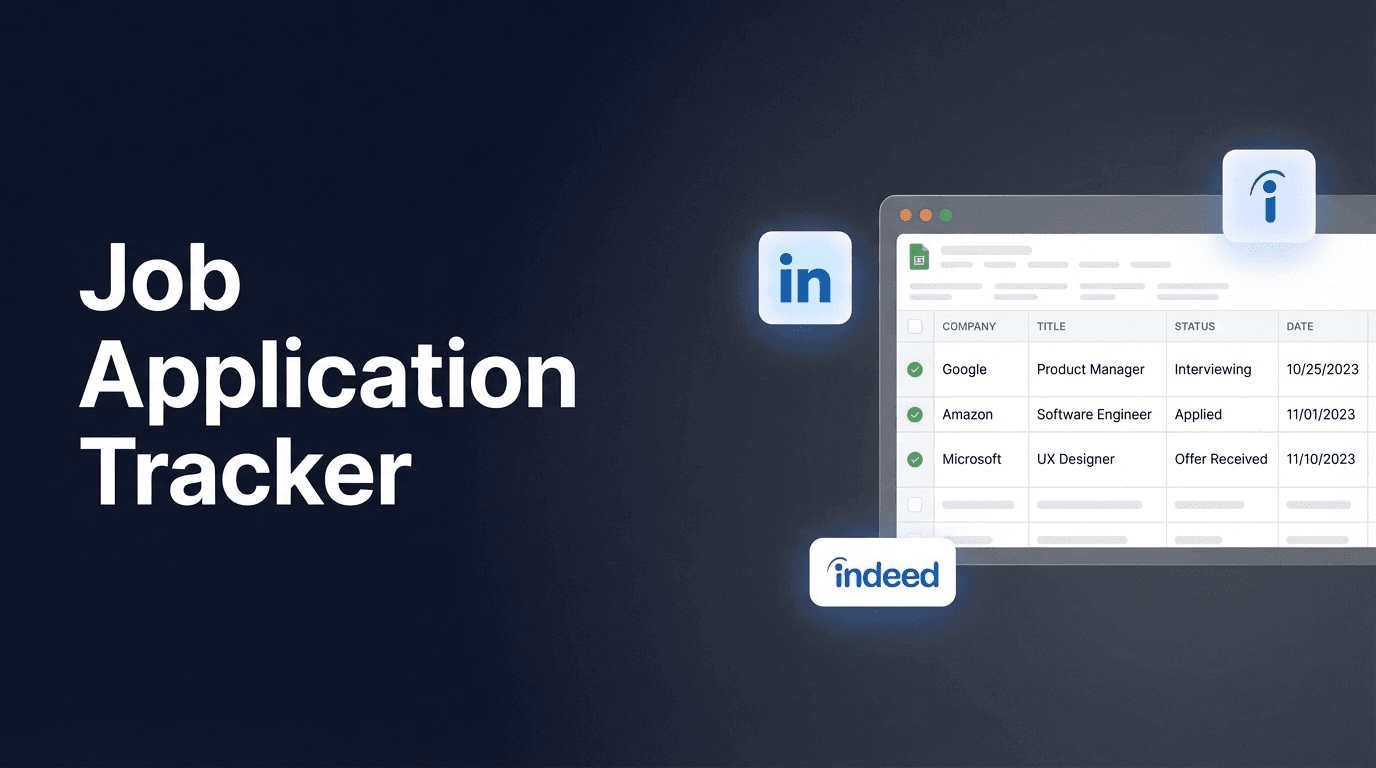
Job Application Tracker Google Sheets — Track Every Application
Build a job application tracker in Google Sheets that actually works. Paste job URLs, AI extracts company, title, salary—track status and reduce missed follow-ups.
Read more →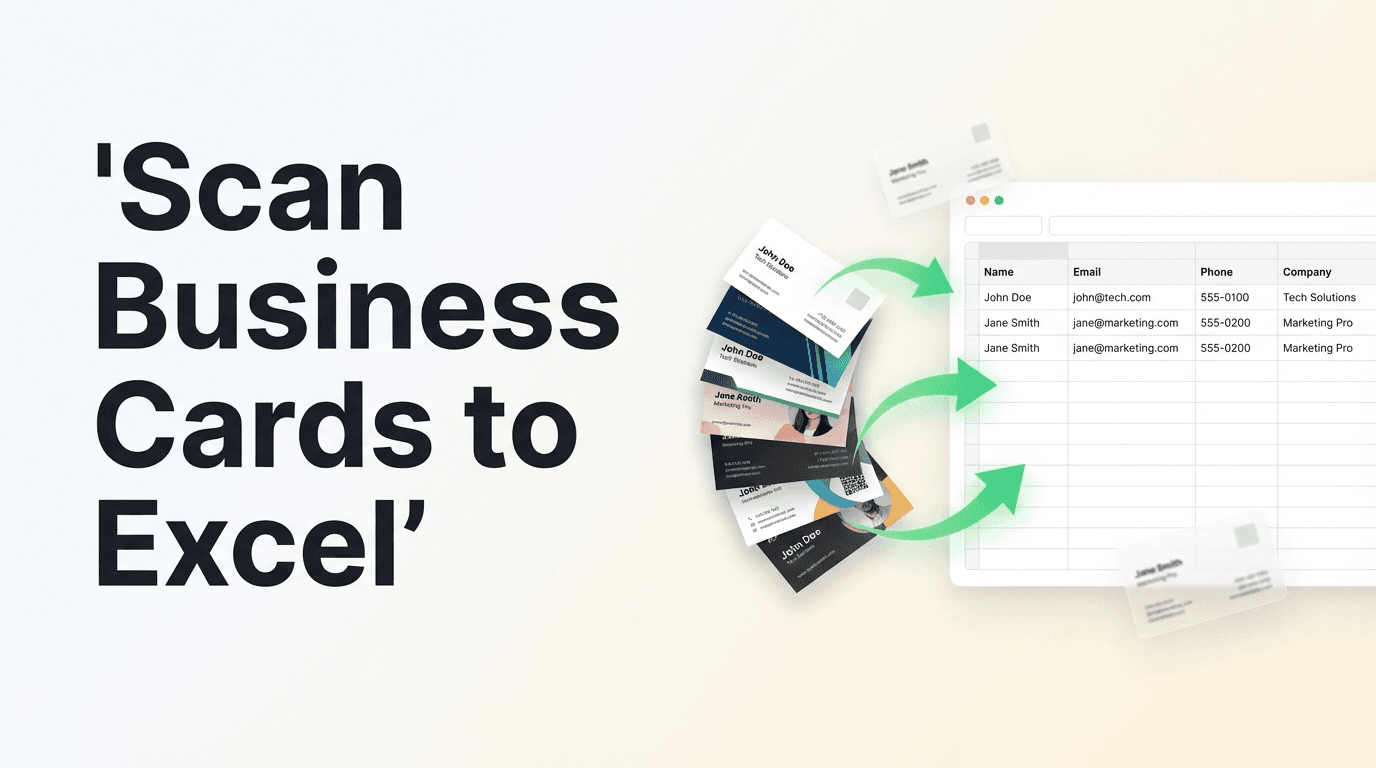
How to Scan Business Cards to Excel or Google Sheets
Scan business cards to Excel or Google Sheets automatically. Upload a photo, AI extracts name, email, phone, and company—then pushes clean contact data to your spreadsheet.
Read more →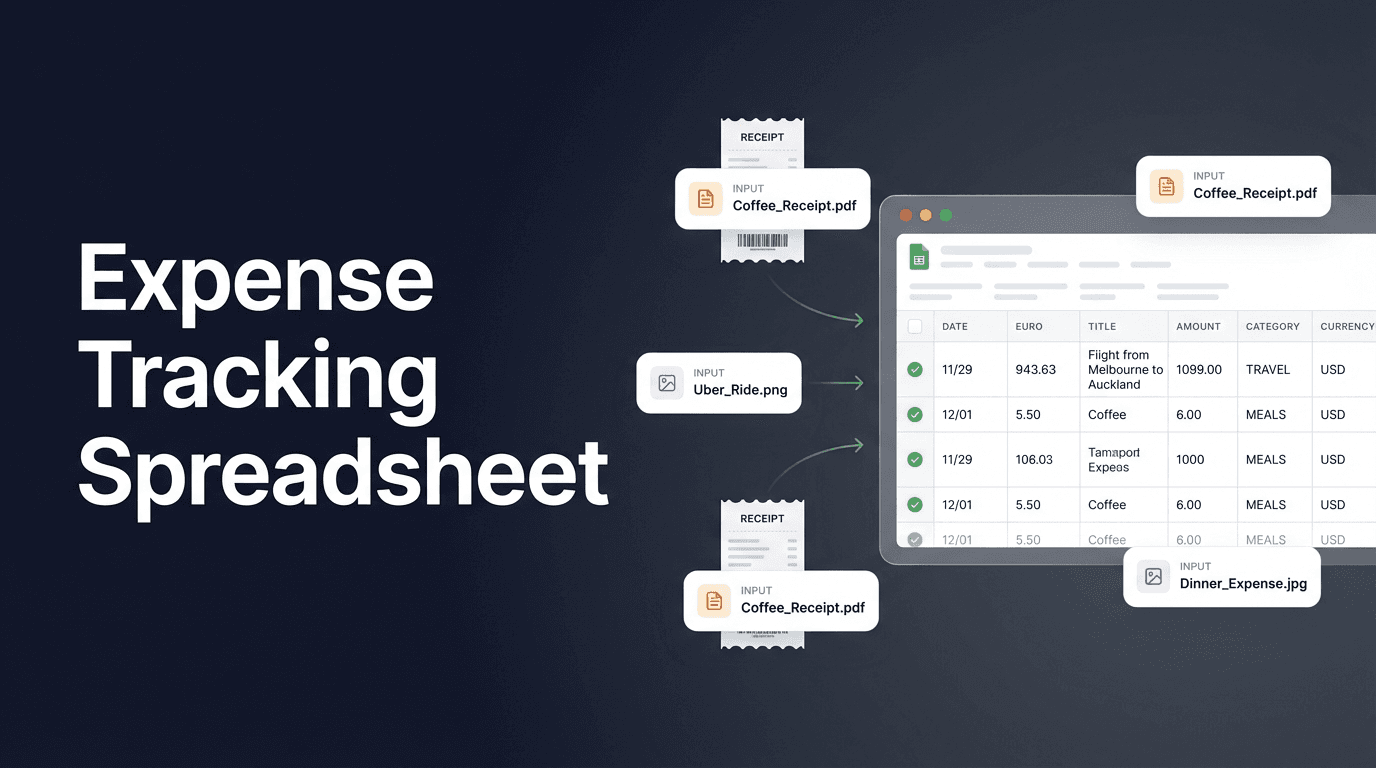
Expense Tracking Spreadsheet for Small Business — Automate the Data Entry
Set up an expense tracking spreadsheet that populates itself. Upload receipts, AI extracts the data and auto-categorizes it into your Google Sheet.
Read more →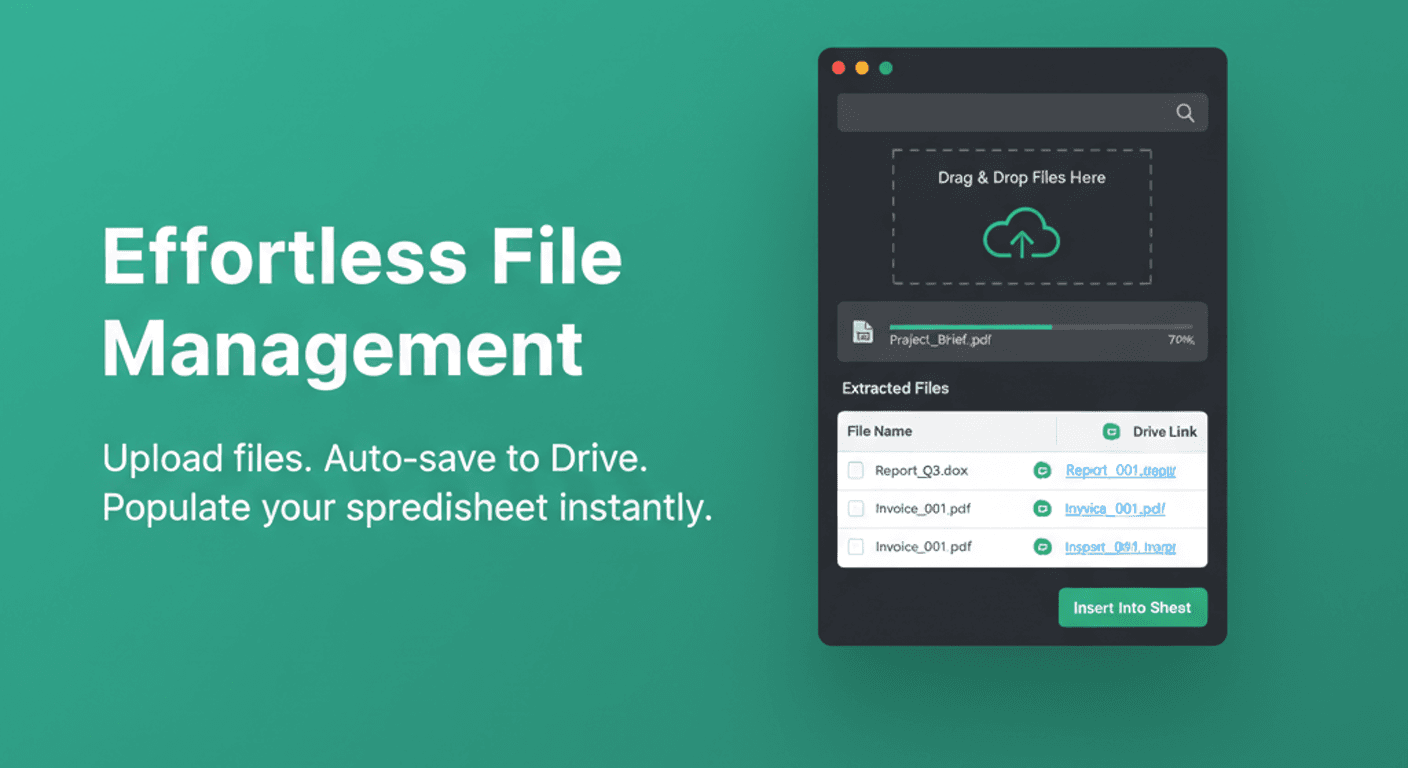
How to Upload Files and Images to Google Sheets (Organized in Folders)
Stop manually organizing files in Drive. Learn how to attach images, PDFs, and documents directly to spreadsheet rows with automatic folder organization.
Read more →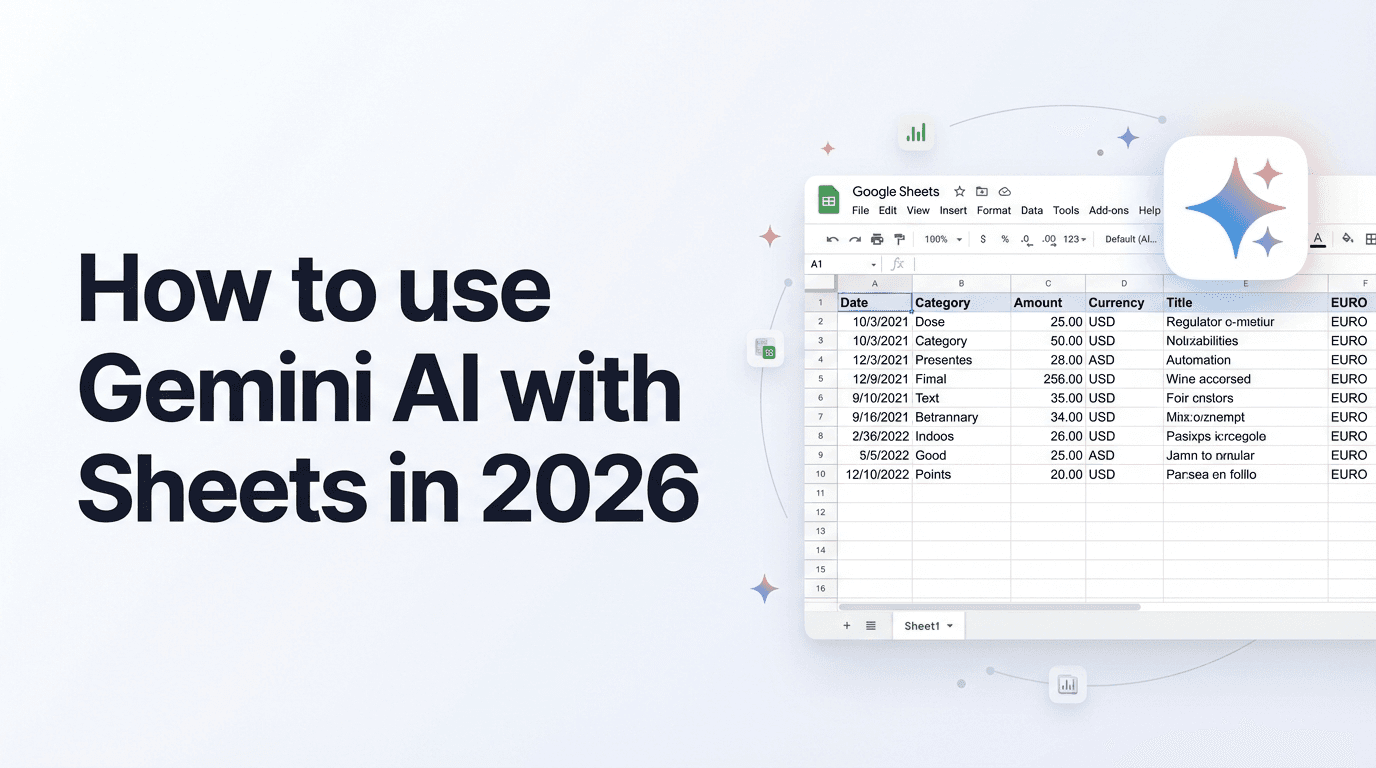
How to Use Gemini in Google Sheets: Complete Guide to AI Features
Master Gemini AI in Google Sheets with this complete guide. Learn smart fill, formula generation, data analysis, and how to automate getting data into your sheets.
Read more →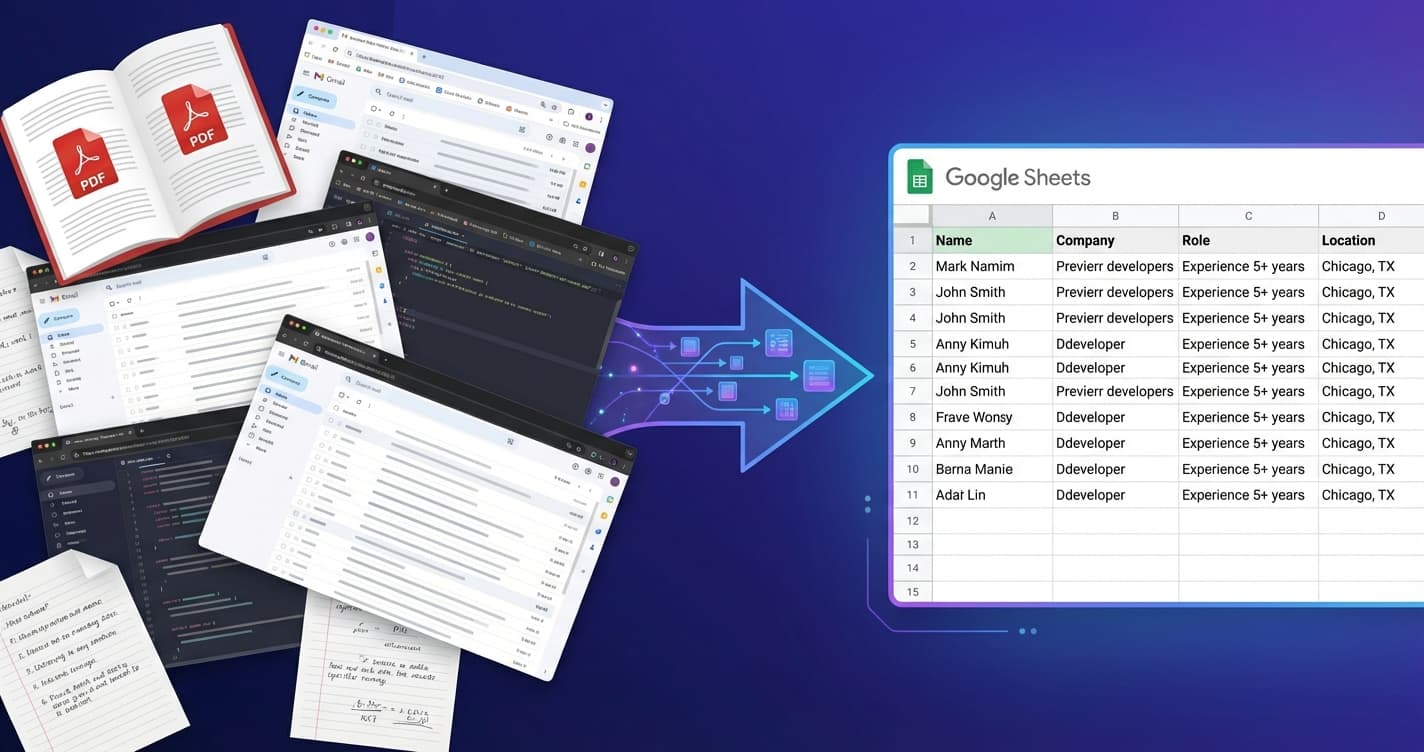
Best Way to Automate Manual Data Entry for Spreadsheets
Stop copy-pasting data into Google Sheets. Compare 7 data entry automation tools—from Zapier to AI-powered extractors—and find the best fit for your workflow.
Read more →
AI Research Agent for Google Sheets: Automate Any Research Task
Stop manually searching and copying data. Use Spreadsheet Agent's AI Research feature to find and populate information in Google Sheets using natural language queries.
Read more →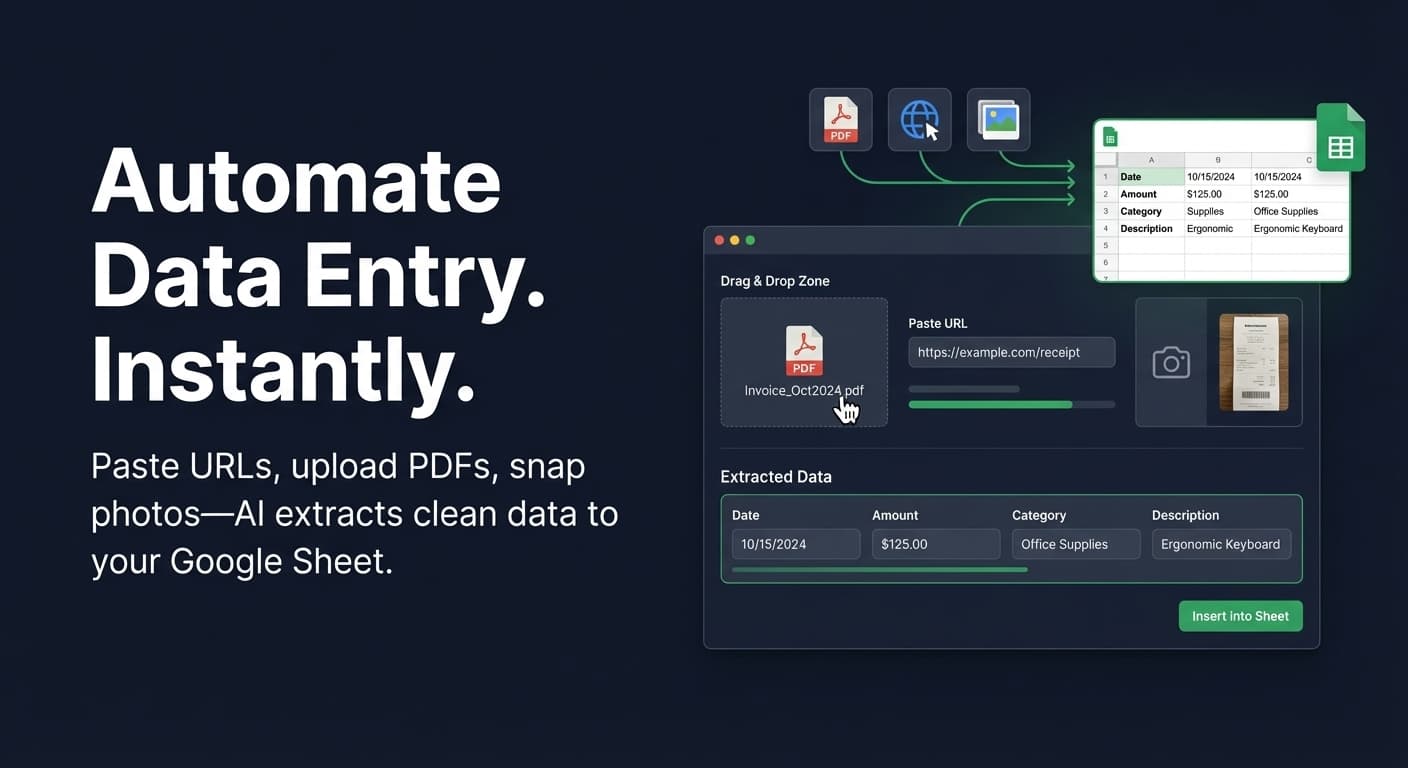
The Easiest Way to Automate Data Entry in Google Sheets (No Code Needed)
Stop copying and pasting. Learn how to automate data entry in Google Sheets using AI—extract data from PDFs, websites, and images without coding or complex workflows.
Read more →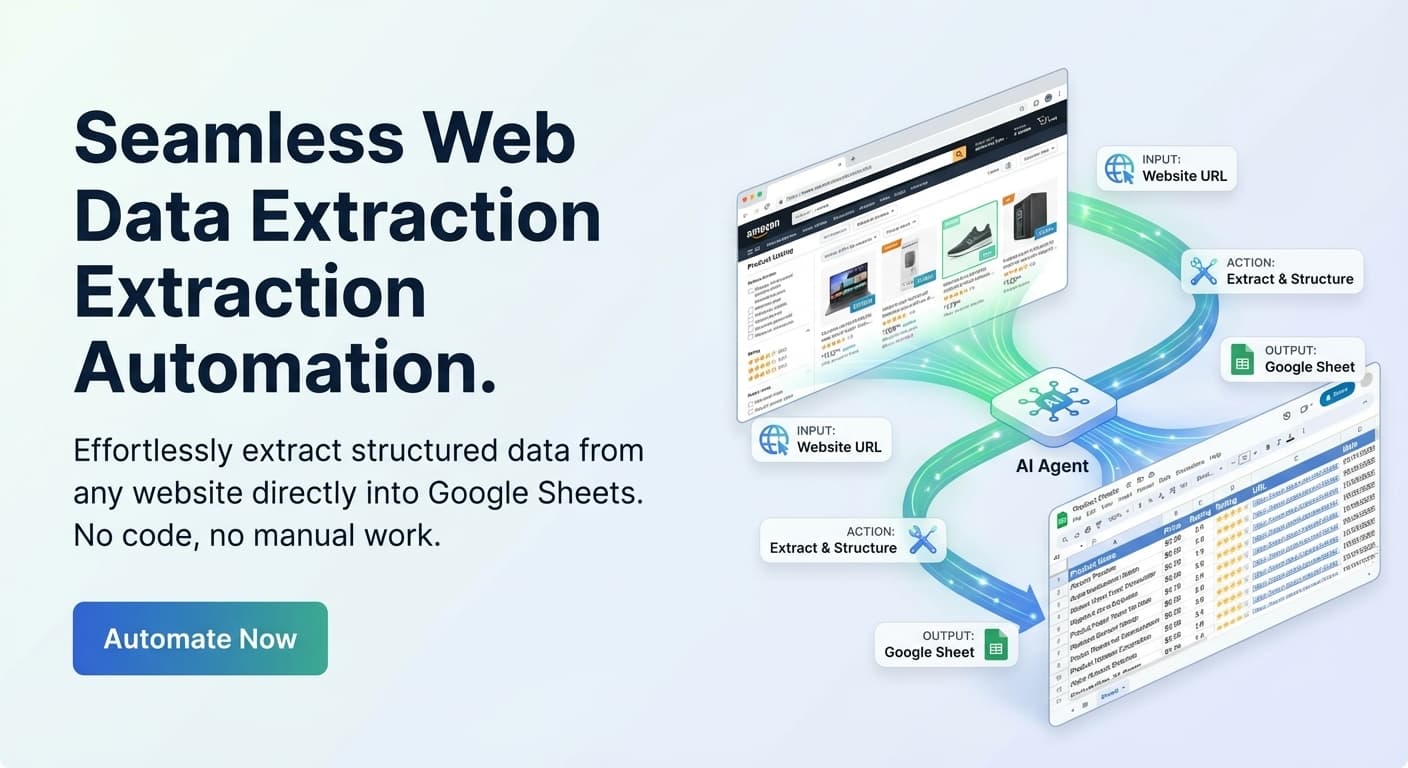
How to Scrape a Website Into Google Sheets (No Code Required)
Learn how to automatically scrape data from any website into Google Sheets—no code, no browser extensions. Fast, accurate, and simple automation for spreadsheets.
Read more →
Prepare Facebook Marketplace Listings With AI and a Spreadsheet
Prepare listing fields with AI, review each row, and export a clean CSV workflow for Facebook Marketplace bulk uploads.
Read more →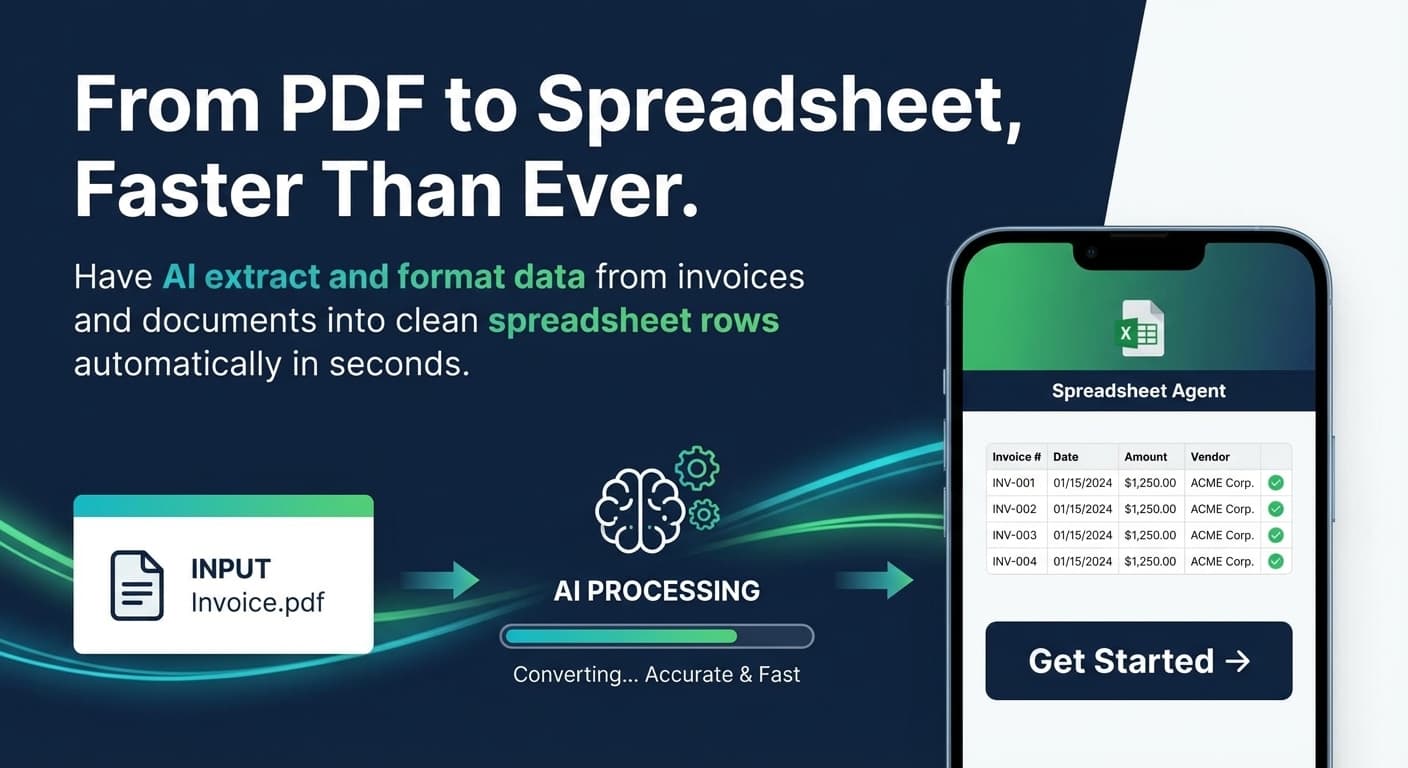
How to Convert PDF to Google Sheets
Convert PDF to Google Sheets automatically. Set up AI extraction for invoices, receipts, and documents—auto-map columns and push clean data directly to your spreadsheet.
Read more →
The Hidden Cost of Manual Data Entry
Manual data entry quietly racks up costs in time, money, and employee well-being. Learn why automating these tasks is critical and how to get started.
Read more →