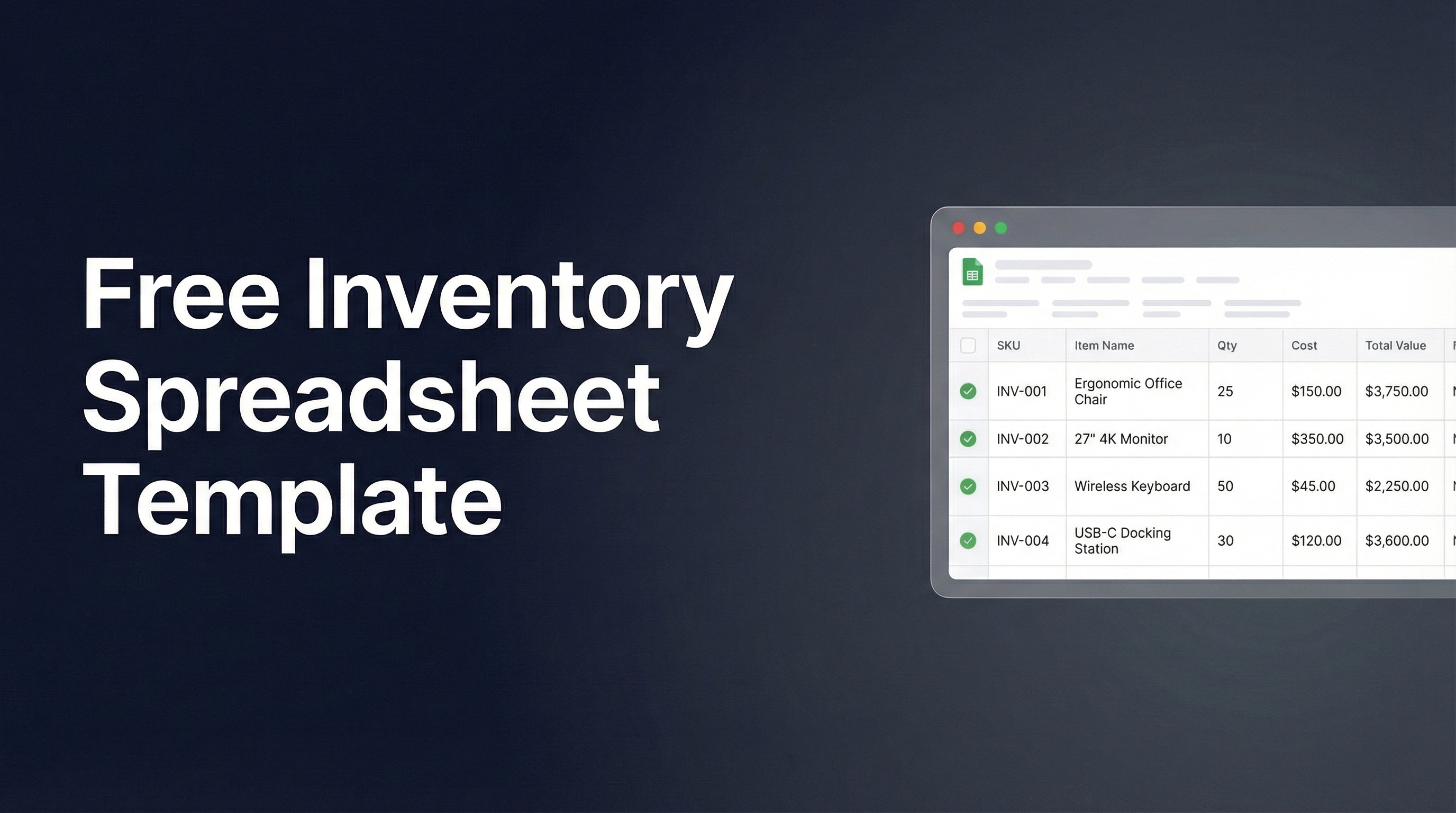
Every inventory spreadsheet template on the internet has the same problem: it's empty.
You download a template, stare at 500 blank rows, and then start typing in supplier invoices line by line. The template was the easy part. The data entry is the actual work.
Whether you're moving from an Excel spreadsheet for inventory to Google Sheets or starting fresh, Spreadsheet Agent flips this. Describe what you need in plain English — that description becomes your template. Then upload your invoices, packing slips, and catalogs. The data entry happens automatically.
How It Works
1. Describe your spreadsheet
Your prompt is your template — tell it what columns you need and what documents you'll upload. No template hunting, no manual setup.
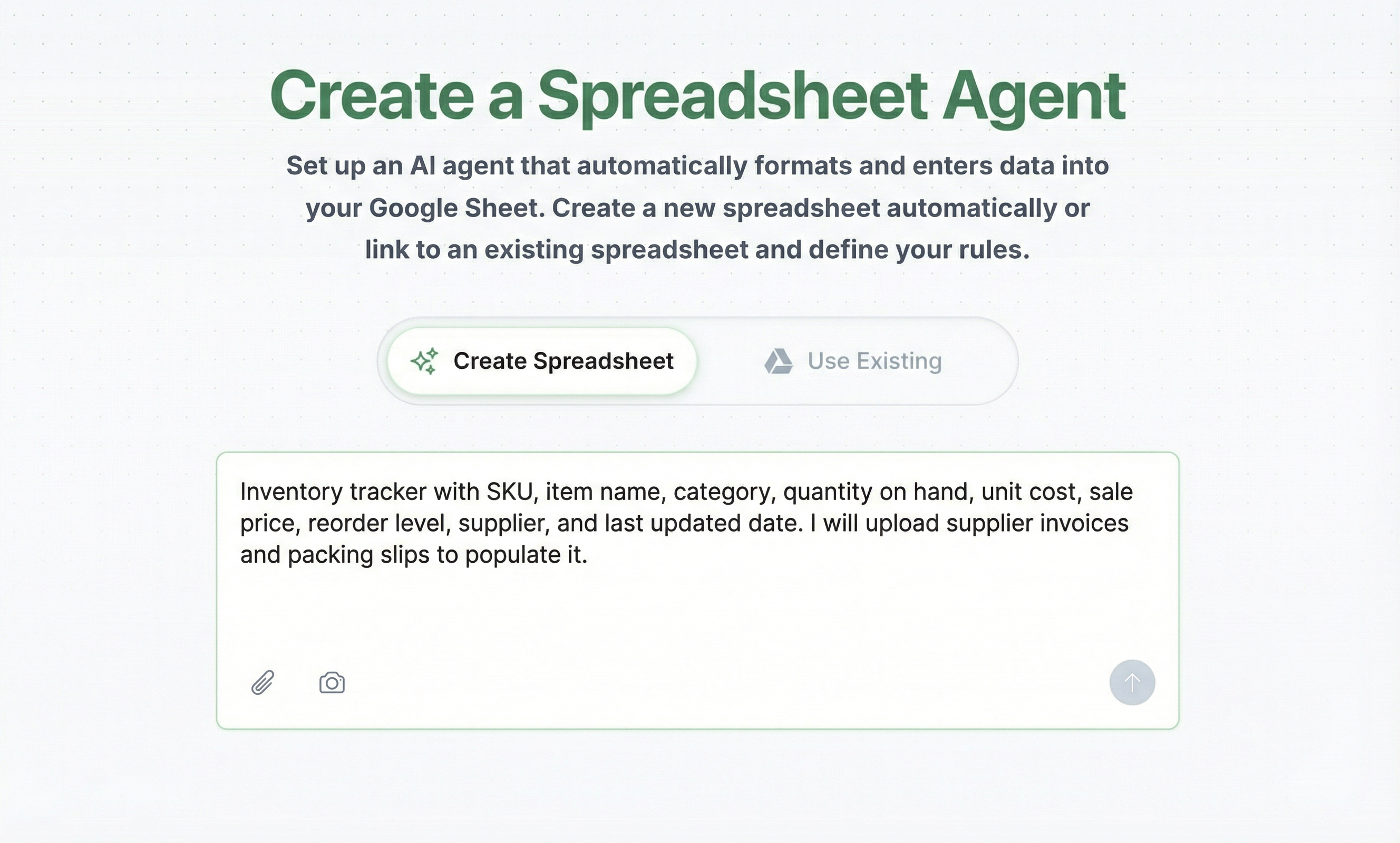
2. Configure your agent
Fine-tune column names, formatting rules, and extraction instructions. Tell the agent how to handle edge cases — like how to parse SKU formats or which fields to skip. For a full walkthrough, see the agent setup guide.
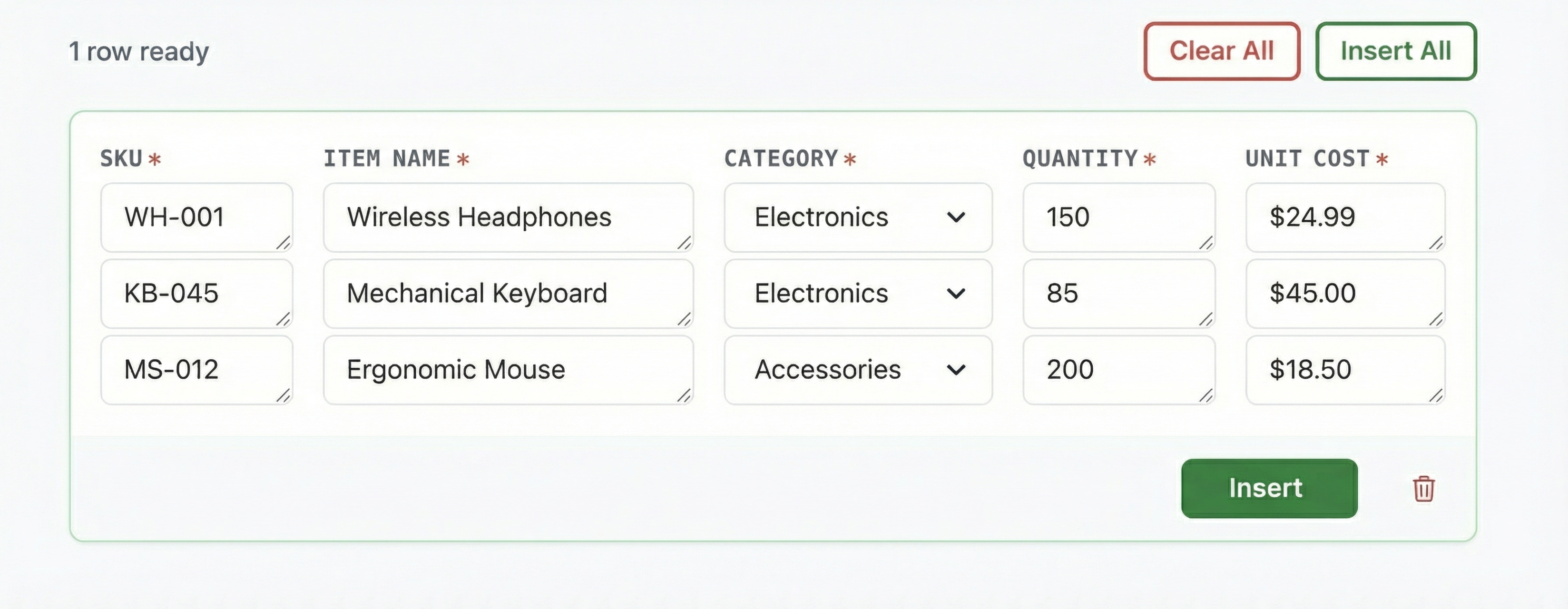
3. Upload your documents
This is where the manual work disappears. Feed the agent your data in whatever format you have — upload a PDF like a supplier invoice, extract data from an image of a packing slip, or scrape data from a web URL like a vendor catalog page.
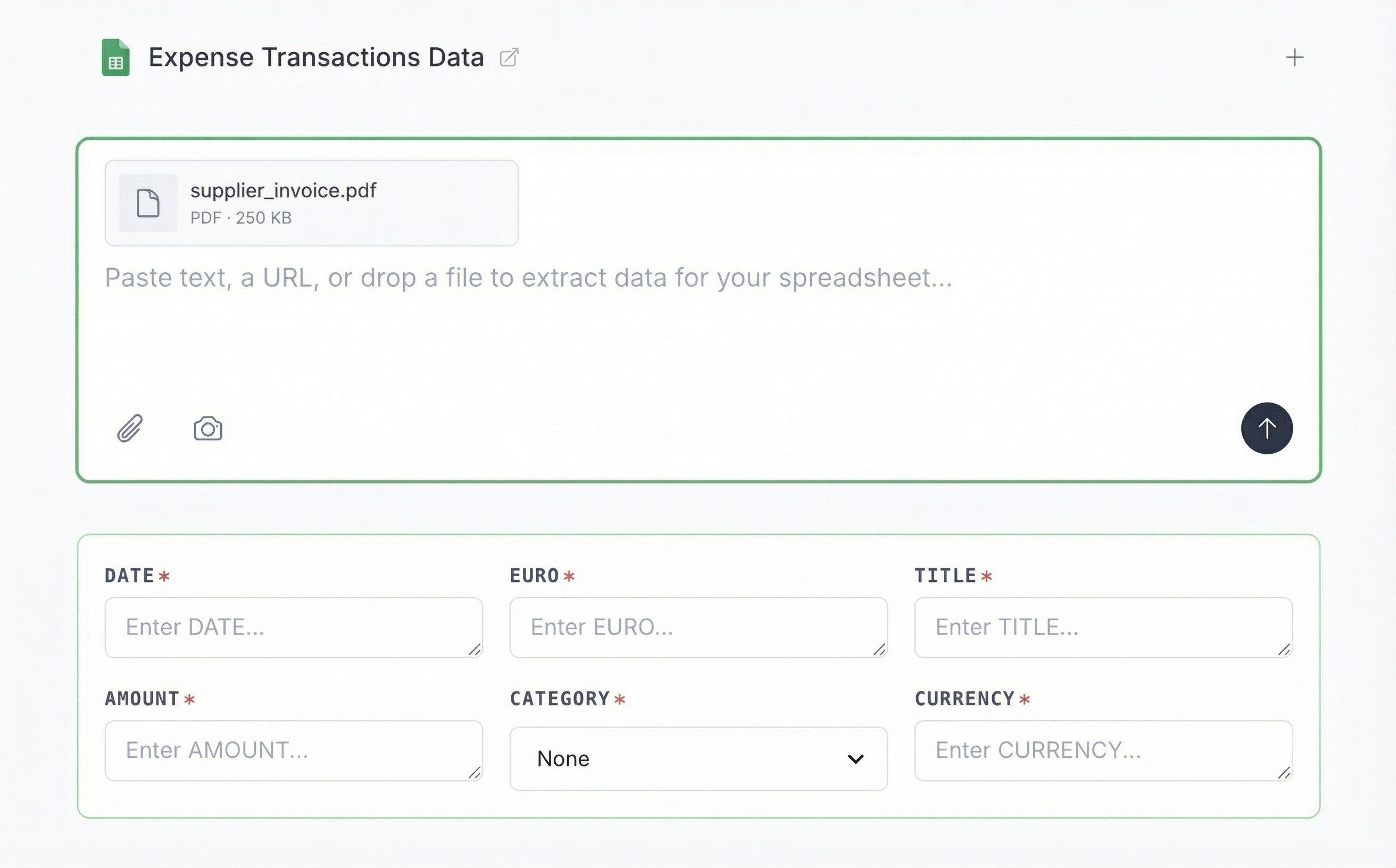
4. Review and insert
AI extracts the data into your columns. You review it, fix anything off, and insert to Google Sheets — saving hours of manual typing per upload.
Inventory Spreadsheet Templates — Copy a Prompt, Get a Spreadsheet
Each prompt below is an inventory spreadsheet example you can copy directly. Paste it into Spreadsheet Agent, upload your documents, and the data entry is handled for you.
Small Business Inventory Spreadsheet
"Inventory tracker with SKU, item name, category, quantity on hand, unit cost, sale price, reorder level, supplier, and last updated date. I'll upload supplier invoices and product catalogs to populate it."
Upload: Supplier invoices, wholesale catalogs, purchase orders
Best for: Retail shops, online sellers, small warehouses under 500 SKUs
Inventory Tracking Spreadsheet
"Inventory tracking sheet with SKU, item name, category, opening stock, received, sold, closing stock, unit cost, total value, reorder point, and supplier. I'll upload daily sales reports and receiving logs."
Upload: POS sales exports, daily receiving logs, transfer slips
Best for: Tracking stock movement over time, not just current counts
Warehouse Inventory Management Spreadsheet
"Warehouse inventory with SKU, item name, location (aisle-shelf-bin format), quantity, lot number, received date, expiry date, supplier, and PO number. I'll upload packing slips and bills of lading to populate it."
Upload: Packing slips, bills of lading, receiving dock photos
Best for: Multi-location warehouses where finding items matters as much as counting them
Restaurant / Food Inventory Spreadsheet
"Food inventory with item name, category (produce/dairy/meat/dry goods/beverages), quantity, unit of measure (kg/liters/cases/each), unit cost, total cost, expiration date, supplier, and par level. I'll upload supplier invoices and delivery receipts."
Upload: Food supplier invoices, delivery receipts, vendor price lists
Best for: Restaurants, cafes, catering — anything where expiration dates matter
Equipment & Asset Inventory Spreadsheet
"Equipment inventory with asset ID, name, serial number, category, purchase date, purchase cost, warranty expiration, assigned to, condition (new/good/fair/needs repair), and location. I'll upload purchase receipts and warranty documents."
Upload: Purchase receipts, warranty cards, equipment photos with serial numbers
Best for: IT departments, construction companies, property managers, schools
Google Sheets Inventory Template
"Google Sheets inventory with SKU, item name, category, qty on hand, unit cost, sale price, reorder level, supplier, and last updated. I'll upload invoices and order confirmations to keep it updated."
Upload: Any supplier documents — invoices, catalogs, order confirmations
Best for: Teams already using Google Sheets who want to skip the manual data entry
The Spreadsheet Isn't the Hard Part. The Data Entry Is.
Nobody abandons an inventory spreadsheet because the columns were wrong. They abandon it because the data entry never ends. Invoices pile up, packing slips get ignored, and the spreadsheet falls behind reality.
That's the cycle Spreadsheet Agent breaks. Your documents — invoices, packing slips, catalogs, photos of stock counts — go in. Structured data comes out, mapped to your columns, ready to review and insert.
The spreadsheet stays current because updating it doesn't require hours of manual typing.