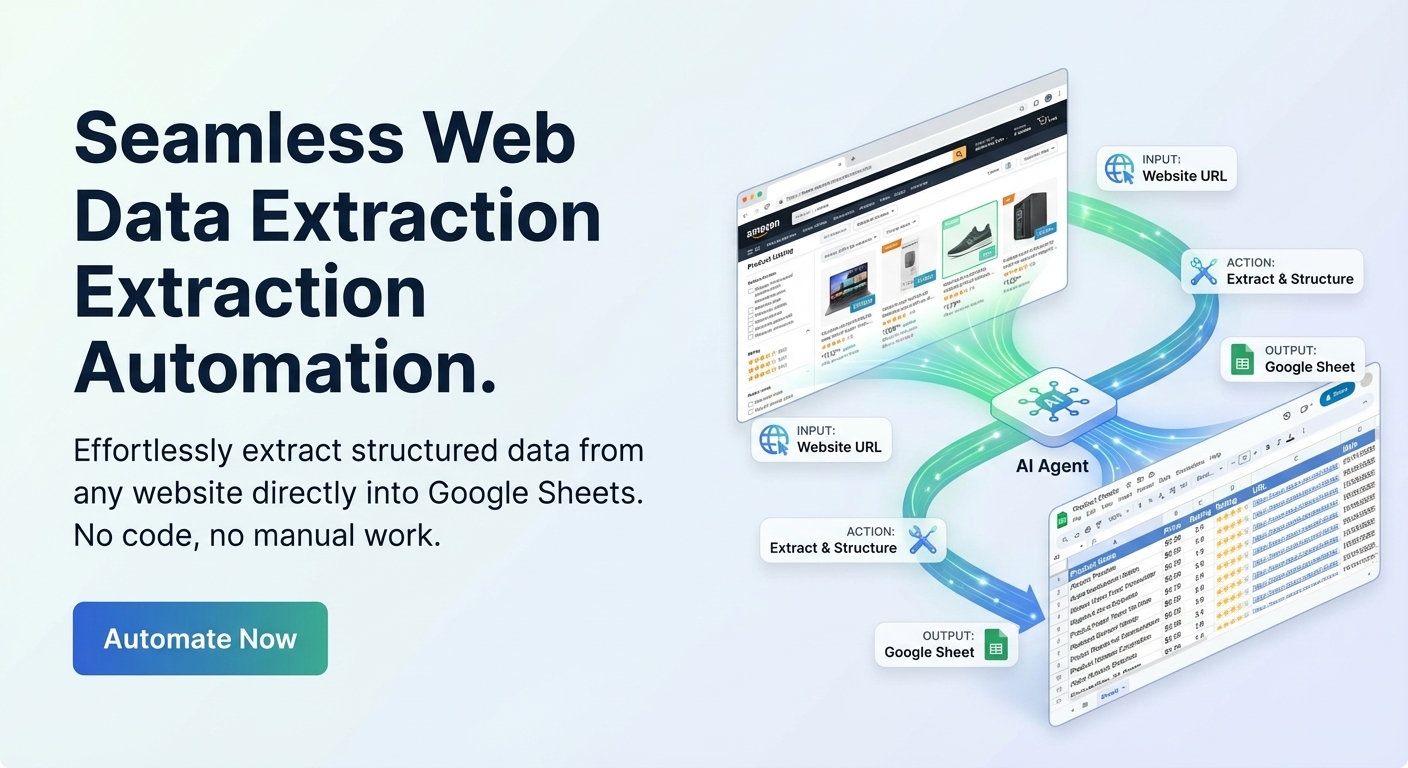
Most "web scraping" tutorials either push code-heavy stacks or skip the messy part: getting consistent rows from inconsistent pages.
A better approach for spreadsheet workflows is schema-first extraction: define exactly what your sheet needs, extract from a page, review the result, then insert. That keeps quality high without writing parsers.
When This Workflow Fits Best
- You need structured data from public pages.
- Your output target is Google Sheets.
- You want human review before saving rows.
- You care more about consistent fields than high-volume crawling.
If your source data is mostly PDFs or images, pair this with PDF extraction or image-to-sheet extraction.
Step 1: Define the Sheet Schema Before You Scrape
Start with columns, not URLs. For example:
source_urltitlepricelocationposted_datenotes
This reduces noisy output and forces clear extraction rules like date format, currency format, and fallback behavior when fields are missing.
Step 2: Extract, Review, Insert
- Paste one public URL.
- Run extraction against your schema.
- Review each field before insertion.
- Edit edge cases, then insert into Sheets.
This review layer is what keeps your sheet usable over time.
Quality Checklist Before You Insert
- Units: Are prices and quantities normalized?
- Dates: Are all dates in one format?
- Missing values: Are blanks intentional?
- URLs: Is
source_urlsaved for traceability? - Duplicates: Are repeat listings filtered out?
Common Failure Modes
1. Dynamic pages with partial content
If key content is hidden behind heavy client-side rendering or auth, extraction may return incomplete fields.
2. Inconsistent labels across pages
Use schema rules like "if unavailable, leave blank" instead of forcing guesses into the wrong columns.
3. Mixed source types
Web pages, PDFs, and screenshots should usually run through separate extraction flows and merge later in Sheets.
Legal and Compliance Note
Only extract data you are allowed to access and use. Respect site terms and local data regulations for storage and reuse.
Frequently Asked Questions
Do I need a browser extension?
No. You can run extraction in the web app and push reviewed rows into Google Sheets.
Can I scrape multiple pages at once?
The most reliable approach is one URL at a time with review before insert, especially when page layouts vary.
How do I keep row quality high?
Define schema rules up front, preserve source URLs, and run a quick QA pass before every insert batch.
Start With One High-Value Page Type
Pick one recurring page format, define a strict schema, and run it end-to-end before expanding scope.
When you are ready, open Spreadsheet Agent and test with 3-5 representative URLs.